Kitchen view
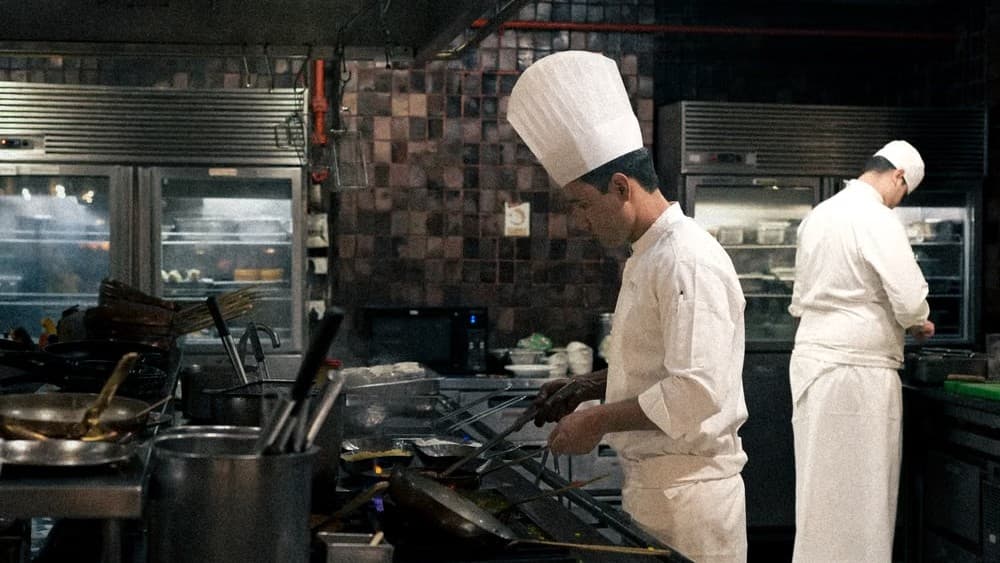
Kitchen View is a separate, streamlined interface for kitchen staff — once logged in to a chef profile, only orders are displayed, with no access to the rest of the restaurant panel. Each order appears as a large, easy-to-read card showing dishes, variants, add-ons, and customer notes, ready for touch control on a tablet. New orders reach the kitchen automatically once paid (or on cash payment at pickup), with an audio alert and a customer wait-time counter. A chef marks dishes and entire orders as ready with a single click, and the status is instantly visible in the restaurant panel. The restaurant configures the order sequence, card layout, and behavior after marking as ready according to its own needs.
- Large, clear order cards with dishes, variants, and add-ons — everything visible at a glance, no scrolling or hunting for details.
- Fully touch-enabled interface with drag & drop and a responsive card layout that adapts to screen width — designed for kitchen work, not a desk.
- New orders arrive in the kitchen automatically once paid, with a notification sound and a customer wait-time counter.
- The restaurant decides on order sequence, behavior of ready items, and whether to enable the entire module — tailored to its own workflow.
Cierpliwości złotko, ładuje wideo…
Frequently asked questions
Kitchen View is a separate, streamlined interface for kitchen staff. Once logged into a chef's account, you see only orders right away, without the rest of the restaurant panel. Each order is a large, easy-to-read card with dishes, variants, add-ons, and customer notes.
New orders arrive in the kitchen automatically — once paid or immediately at payment on pickup. They're accompanied by a sound alert and a timer showing how long the customer has been waiting. Orders come from the restaurant website.
No. Kitchen View is designed for touch operation on a tablet, so a regular tablet in the kitchen is all you need.
No. A chef's account displays orders only. You can set up separate accounts and permissions for staff members in the Team and staff permissions feature.
Dishes and entire orders are marked as ready with a single click, and the status is instantly visible in the restaurant panel.
Yes. The restaurant controls the order sequence, card layout, and what happens to items marked as ready, and the whole module can be switched on or off. Kitchen View is available in all plans — check the pricing or create a free account.
Step-by-step guide
How do online orders reach the kitchen? →