
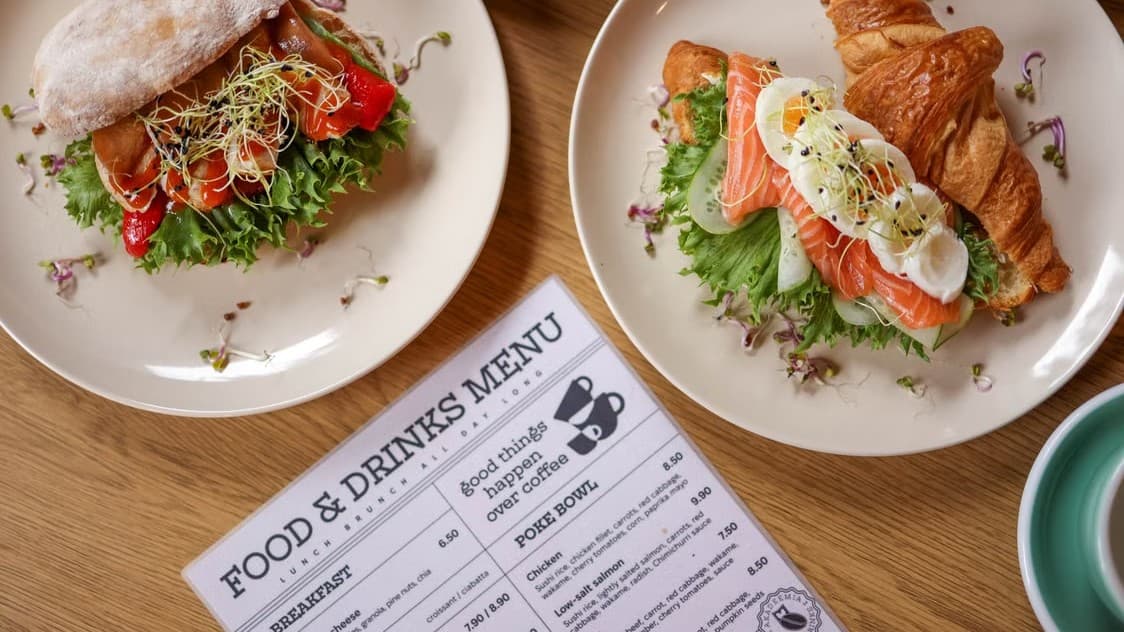
QR Menu
Every restaurant on SkanujMenu.pl gets its own menu and order page with a unique address. You can print it as a QR code for the table — customers browse the menu and order right away, no app download or account needed.
- QR code on the table or at pickup — one of several ways to access the same menu
- Menu organized by categories, with filters by labels (vegetarian, spicy, gluten-free…)
- Light and dark theme, button color tailored to your restaurant's brand
Cierpliwości złotko, ładuje wideo…
Frequently asked questions
Menu QR is your restaurant's own page with menu and orders, available at a unique address that you can print as a QR code for your tables. Guests scan the code with their phone, browse the menu, and order right away. It's all part of online menu for restaurants.
No. Customers browse the menu and order right after scanning the code, without downloading an app or creating an account.
You can place the QR code on your tables or at the order pickup counter. It's one of several ways to access the same menu — the same page is also available at your restaurant's own address.
Yes. The menu is organized by categories with filters by labels (e.g. vegetarian, spicy, gluten-free), and you customize its look to your brand: light or dark theme and button color. Labels are described in the Dish labels and allergens feature.
It depends on your plan: Basic allows 25 active QR codes per location, Extended allows 50, and Premium has no limit. Menu QR is available in all plans — find details in pricing.
Create a free account — you have a month to explore everything without providing card details. After your first login, a setup wizard will guide you through each step.
See also
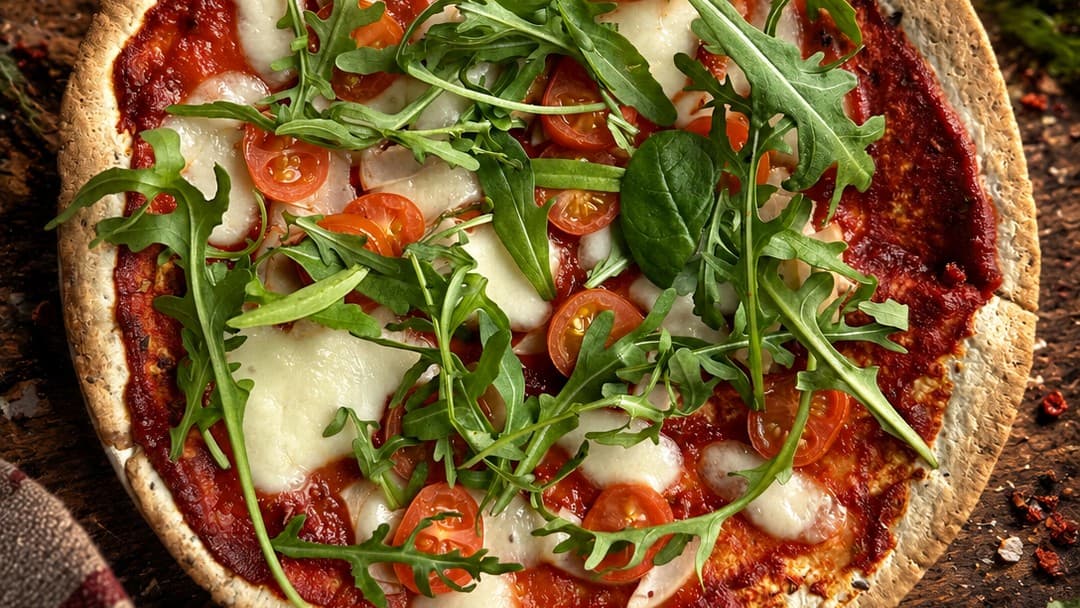
AI Photo Retouching
Transform ordinary dish photos into professional photography with one click. AI

Website for restaurants
New orders land in your panel instantly, with a notification sound and live status updates.

Online and on-pickup payments
BLIK, card, and bank transfer via Tpay, Przelewy24, or PayU – or pay on pickup.