
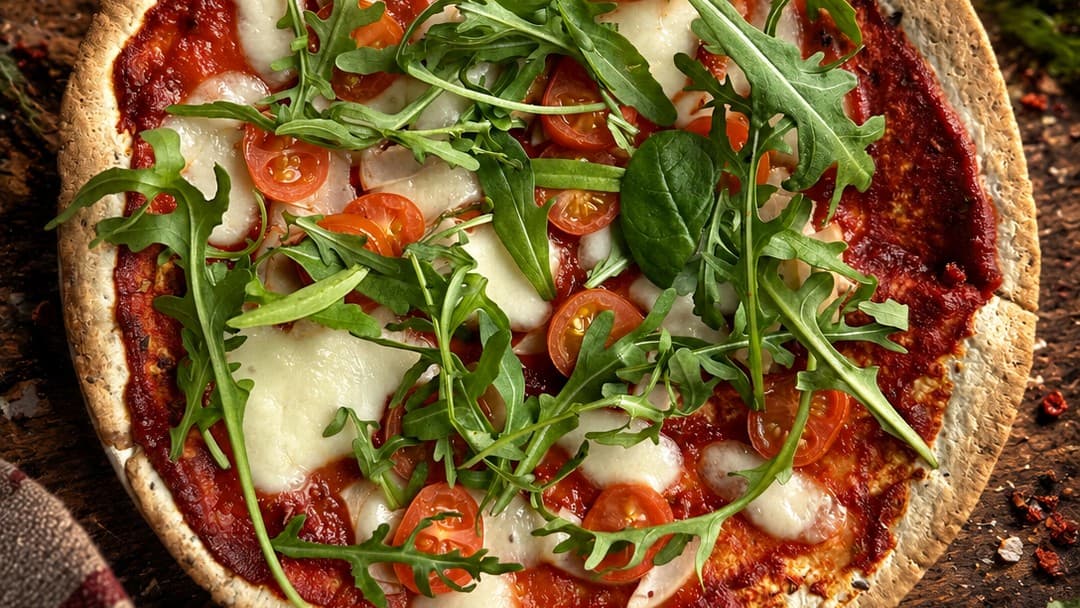
AI Photo Retouching
A great photo sells a dish before the guest even orders it. With AI Photo Retouching, you don't need a photographer or studio: take a photo with your phone, choose a style, and AI enhances sharpness, lighting and colors while adjusting the background and framing. It doesn't change the ingredients, their arrangement or the dish, so guests get exactly what they saw in the photo. The original always stays in your gallery, and you can compare AI versions with it in the preview.
- Ready-made photo styles: choose the vibe, and AI adjusts lighting and background
- Dish unchanged: same ingredients, arrangement and dish, only the photo quality improved
- Framing to suit your needs: as in the original, centered, from above, at 45° or zoomed in
- Add garnishes one click away: herbs, spices, chili peppers, drinks, bread and more
- Retouch multiple photos at once: select photos in the gallery and apply one style to all
- Formats for social media: square, portrait and Story
- Gallery with 'before and after' preview: switch between the original and AI version
- Download in JPG, PNG or WebP
Cierpliwości złotko, ładuje wideo…
Frequently asked questions
It's a feature that enhances your dish photos without needing a photographer or studio: snap a photo with your phone, choose a style, and AI improves sharpness, lighting, colors, and arranges the background and framing.
No. Retouching doesn't change the ingredients, their arrangement, or the dish itself—your guest gets exactly what they saw in the photo. Only the photo quality is improved.
Yes. The original is always saved in your gallery, and you can compare the AI version with it in the 'before and after' preview.
You can choose a preset photo style, framing (original, centered, top view, 45° angle, or close-up) and add background details like herbs or spices. Retouch multiple photos at once and download results in JPG, PNG, or WebP—including social media formats: square, portrait, and Story.
AI Photo Retouching is available in the Premium plan. You get 20 credits per month, and 1 credit = 1 retouched photo. Unused credits don't roll over to the next month—see details in pricing.
Create a free account and upload your dish photos to the gallery. Enhanced photos look great in QR Menu and on your restaurant website.
Step-by-step guide
How do I improve dish photos without hiring a photographer? →
See also
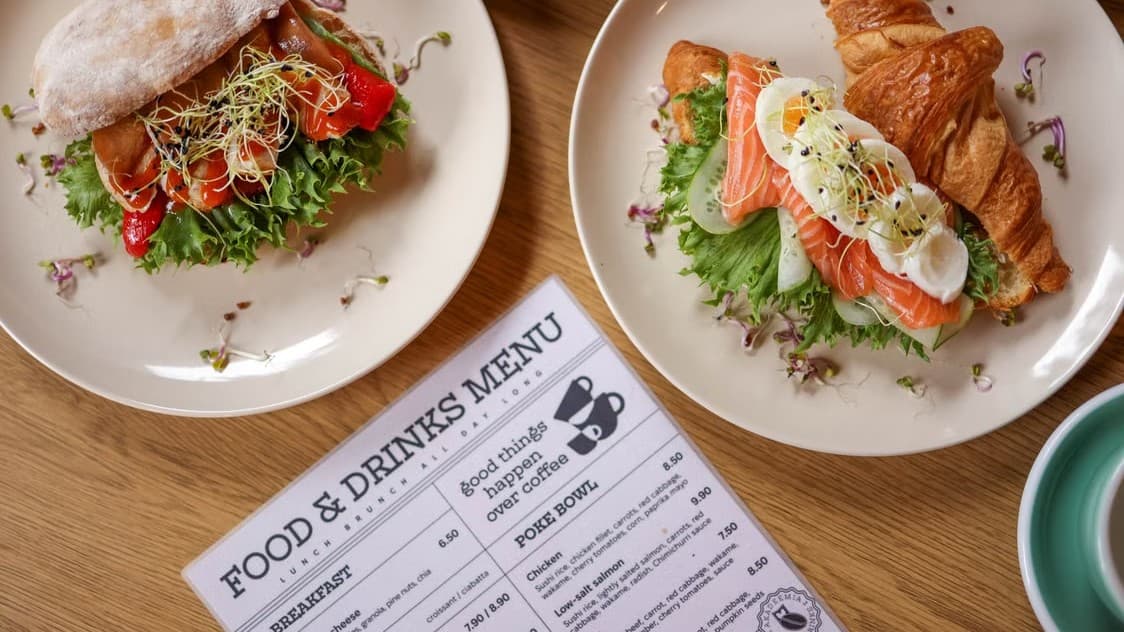
QR Menu
QR code on the table – your customers access your menu whenever it suits them.
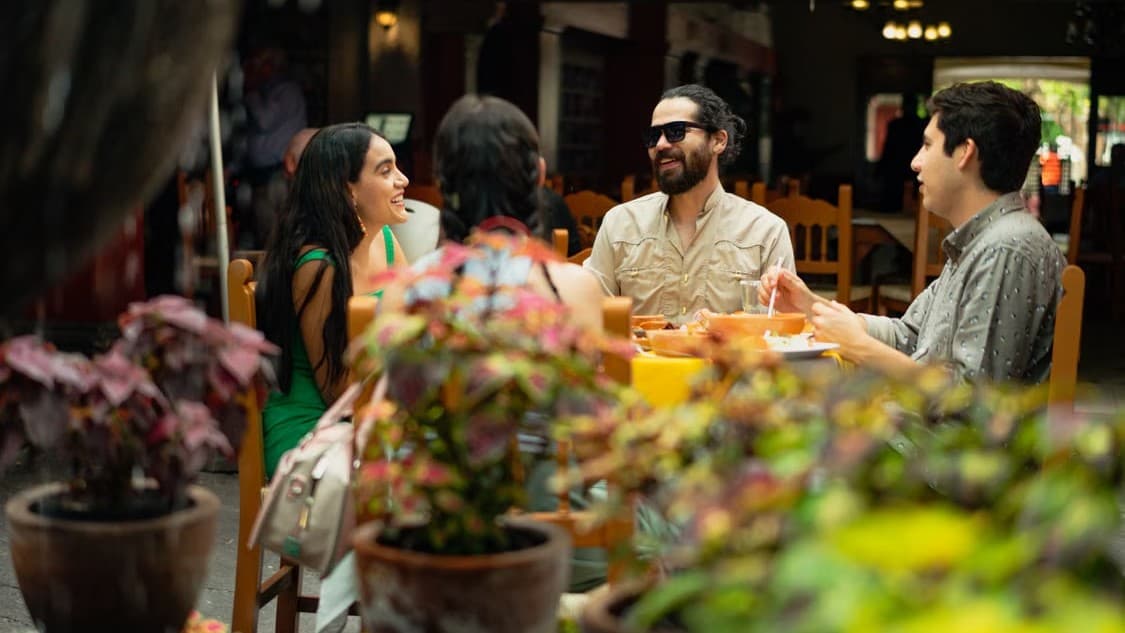
Website for restaurants
New orders land in your panel instantly, with a notification sound and live status updates.
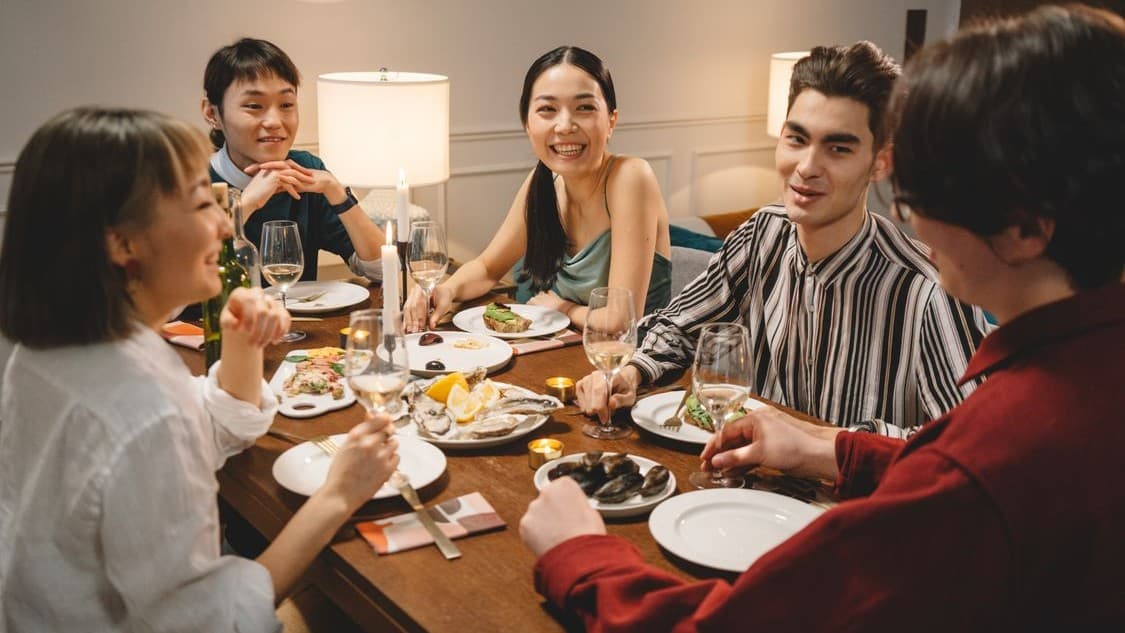
Online and on-pickup payments
BLIK, card, and bank transfer via Tpay, Przelewy24, or PayU – or pay on pickup.