Automatic menu switching
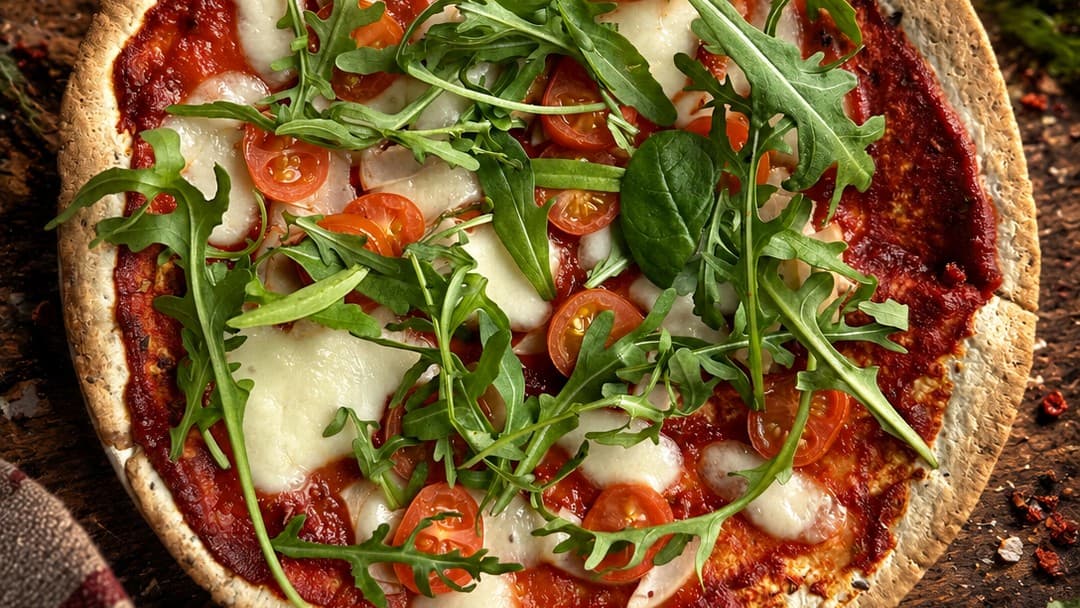
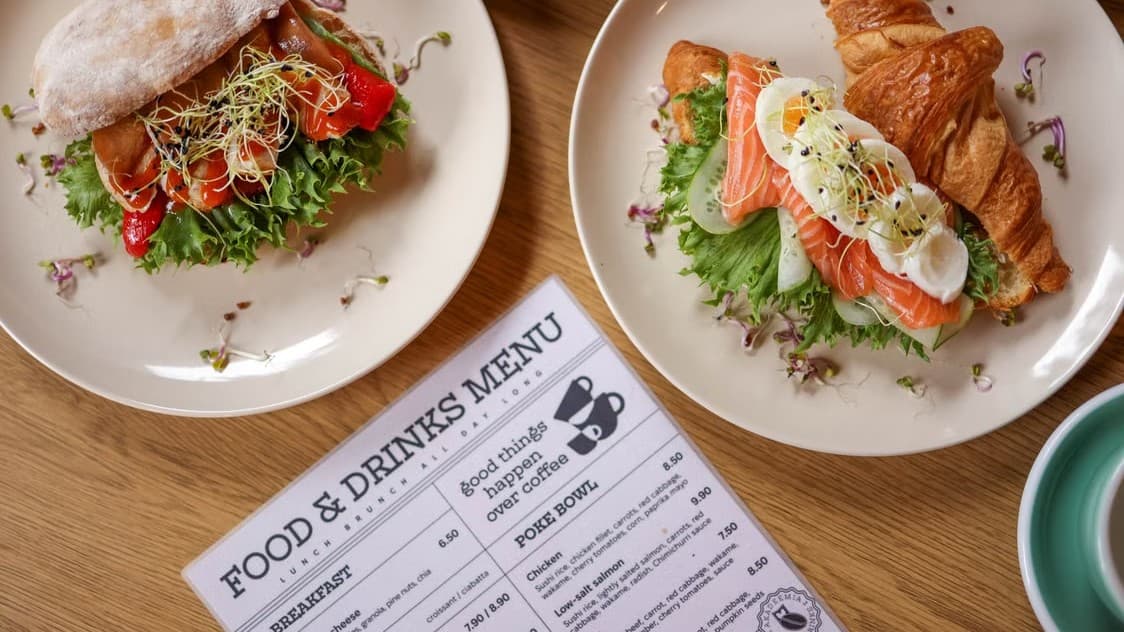
You don't need to manually turn dishes on and off — SkanujMenu automatically shows your guests what you're actually serving at any given moment. Set times for breakfast, lunch, dinner, or weekend menus, and the system switches the view automatically before your customer even thinks to ask if you still have pancakes.
- Zero ordering mistakes — customers will never order a dish your kitchen isn't preparing right now.
- Staff time savings — the menu switches itself, with no manual work from your team.
- Seasonal flexibility — separate menus for summer, winter, weekends, or happy hour — no limits.
- Better first impression — guests always see a current, relevant offer instead of unavailable dishes at that time of day.
Frequently asked questions
It's a feature that lets SkanujMenu® automatically show guests what your restaurant is actually serving at any given time. You set the times for breakfast, lunch, dinner, or weekend menu, and the system switches the view automatically.
No. The menu switches automatically without any manual work from staff, so guests won't order a dish that the kitchen isn't preparing right now.
Breakfast, lunch, dinner, and weekend menu, plus separate menus for summer, winter, or happy hour. Seasonal flexibility is unlimited.
Guests always see the current, relevant menu instead of unavailable dishes at that time — before they even get a chance to ask if you still have pancakes.
The switch applies to the menu that guests open after scanning a QR code or visiting your restaurant's website. We describe an example use case on the menu QR for cafes page.
Create a free account and add your menu. Set the times for each time of day in the panel, and you can test for the first month without entering your card details.
Step-by-step guide
How do I set up different menus for breakfast, lunch, and dinner? →