Zdjęcie: Aqil Faisal Halfid (Pexels)
Employee turnover in the hospitality industry in Poland can reach 60-80% annually. This means a restaurant manager spends enormous amounts of time not serving guests, but recruiting, onboarding new staff, and putting out fires caused by scheduling miscommunications. Good restaurant staff management isn't about soft management skills — it's about concrete processes and tools that eliminate chaos before it costs you money.
Why Staff Is Your Most Expensive and Most Sensitive Resource
Labor costs in a typical Polish restaurant usually account for 28-35% of revenue. At that scale, even small mistakes — overtime from poor planning, duplicate shifts, no cover on a Friday night — can eat into margins faster than raising prices. Add the human factor: a tired, disorganized team serves guests worse, which shows up in Google reviews after an order and whether the customer comes back.
Managing people in hospitality differs from typical HR work in that decisions must be made in real time. A waiter doesn't show up for a 5 PM shift, and the restaurant is fully booked for the evening — there's no time for week-long procedures.
Schedules That Don't Fall Apart Every Week
The most common operational problem is a manually created schedule in a spreadsheet or scribbled on a piece of paper pinned to the kitchen wall. It works until the first illness, an unexpected day off, or a sudden spike in reservations. Here are a few rules that really help:
-
Plan schedules based on sales data from previous weeks, not from memory. If you know Wednesdays generate 40% less traffic than Fridays, you don't need the same staffing level.
-
Give employees access to their schedules online instead of sending pictures of a paper schedule to a WhatsApp group.
-
Set a clear procedure for shift swaps — who approves, by when, and who's responsible if coverage falls through.
This is where sales statistics and reports really help — they show exactly which days and hours have the most traffic, so scheduling stops being guesswork.
Employee Permissions — Who Should See What
Many restaurants operate under the assumption that the more access an employee has, the better for "flexibility." In practice, it's a straight path to problems: a waiter with access to the admin panel might accidentally change menu prices, and a new person on trial shouldn't see the restaurant's monthly revenue.
A sensible approach is a role and permission system where:
-
the cook has access only to the kitchen order view,
-
the waiter manages tables and payments but doesn't edit the menu,
-
the shift manager sees daily reports but has no access to payment settings,
-
the owner and general manager have full visibility.
In SkanujMenu®, you can set up this structure in the team and staff permissions section — each person logs into their own account and sees only what they need for their role. This isn't just about data security, but about faster onboarding of new staff — you don't have to explain the whole system, just the part that person actually uses.
Kitchen View as a Team Management Tool
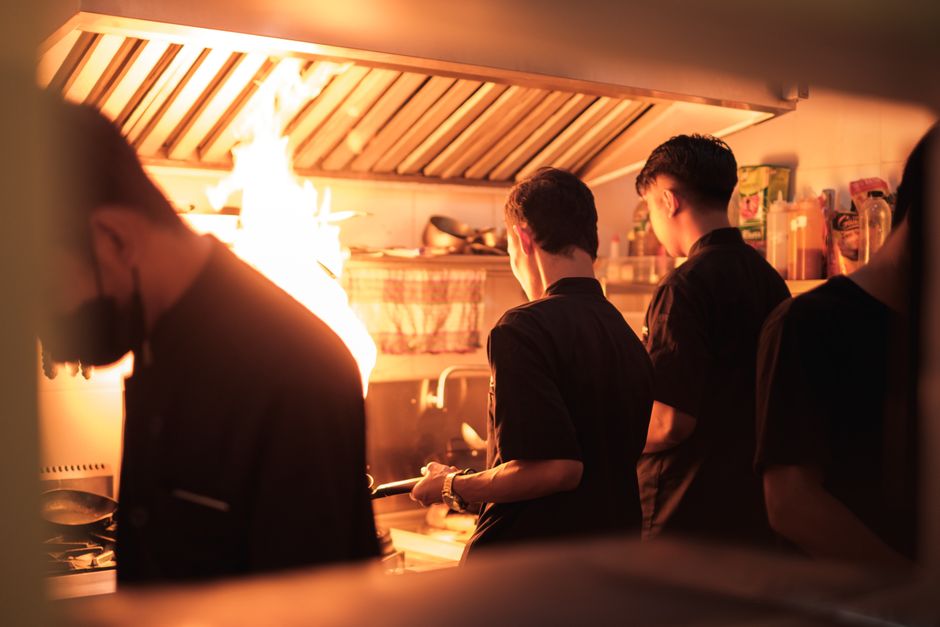
The kitchen and dining room are often two separate worlds that communicate with sticky notes or shouting through a pass. The kitchen view brings order to that process — orders appear on screen in sequence, with wait times and preparation status. The cook sees exactly what to prepare and in what order, and the waiter doesn't have to run back and ask if a dish is ready. This directly impacts the pace of work and the number of errors during high volume.
Team Communication When Menu Items and Promotions Change
Another common problem: staff learns about a menu change or new promotion only when a customer asks about something the waiter doesn't know. This happens when changes are made in just one place — for example, on a board in the kitchen — without notifying the whole team.
It's worth solving this systematically. With automatic menu changes, breakfast, lunch, and dinner menus switch on their own at scheduled times, so no one on the team has to remember to manually disable or enable anything. The same goes with discount codes and promotions — if a promotion is set up in the system, all staff see the same information as the customer ordering online, so situations where a waiter doesn't know about a current offer don't happen.
The same applies to allergens. Dish labels and allergens set once in the system appear automatically in the menu, so dining room staff don't have to remember each dish's ingredients from memory — and this is one of the questions guests ask most frequently.
Wypróbuj SkanujMenu® w swojej restauracji
Bezpłatny miesiąc, bez karty i bez zobowiązań.