Zdjęcie: Enes Beydilli (Pexels)
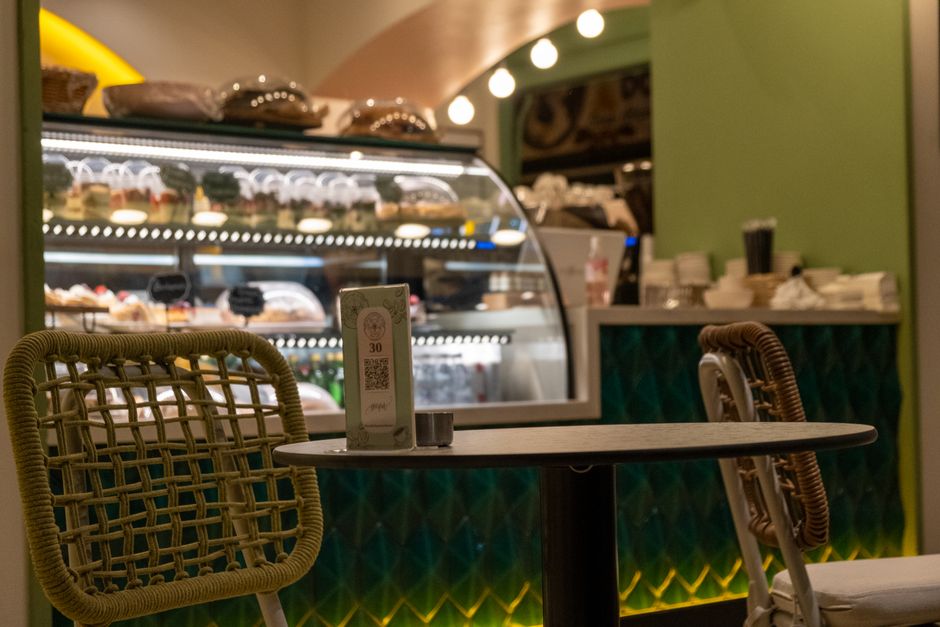
A QR code on the table is no longer a pandemic-era curiosity — today it's one of the basic fixtures of any restaurant, right alongside napkins and salt shakers. The problem is that many restaurant owners treat it as a formality: they print the code, paste it into a PDF menu, and call it done. Meanwhile, a QR menu for restaurants, implemented thoughtfully, can genuinely boost your average check size and cut service time. Implemented carelessly — it frustrates customers and damages your restaurant's reputation worse than a bent-cornered paper menu.
What sets a good QR menu apart from a simple PDF link
The most common mistake is scanning the code to see... a photo of the menu in PDF format. The customer has to zoom with their fingers, wait for a heavy file to load, and on a phone with slower internet the whole thing takes forever and gets annoying. That's not a QR menu — it's just a digital version of paper.
A real QR menu is a responsive website that:
-
loads in less than two seconds even on weak LTE,
-
organizes dishes into clear categories with filtering options,
-
shows photos, descriptions, and prices without endless scrolling,
-
lets customers place an order right away, not just browse.
The difference is noticeable from the customer's first interaction with your restaurant — and that first impression is exactly what determines whether they'll order an appetizer and dessert, or stick to one dish.
A menu that sells, not just informs
A well-designed QR menu works like a silent salesperson. Restaurants using SkanujMenu® often notice that after rolling out a menu with descriptions and photos, add-on and dessert sales jump by even ten to fifteen percent — simply because the customer sees an appetizing photo of cheesecake instead of a dry name in a price column.
It's also worth considering features that are impossible to implement in a paper menu:
-
Discount codes and promotions active only during specific hours, like a lunch discount between noon and 3 PM — learn more about this in the discount codes and promotions section.
-
Dish labels and allergens that build trust with guests who have food intolerances — the dish labels and allergens feature lets you tag every dish without cluttering the description.
-
Order acceptance blocking for moments when the kitchen is overwhelmed — instead of shutting down the whole system, a single click does the trick, explained in the order blocking feature.
Ordering straight from the QR menu
A menu alone, even a beautiful one, is only half the battle. Restaurants that pair their QR menu with the ability to order right from the table see shorter wait times for staff and fewer mistakes from verbal ordering. The real-time online ordering system goes straight to a kitchen tablet or receipt printer — no rewriting, no phone calls to the bar.
For delivery restaurants this is even more critical. Customers who scan a code on a flyer or social media expect to place an order in 60 seconds, no account creation, no app download. Add delivery zones and estimated times and your restaurant instantly tells the customer whether you deliver to their address and how long it takes — instead of explaining over the phone after they've already ordered.
Payment as the final, critical step
A QR menu that ends with "pay at the table, call your server" effectively resets to square one — the customer still has to wait for staff. Integrating online and on-pickup payments closes the whole loop without involving your team: the customer scans, selects dishes, pays by card or BLIK, and gets confirmation. During peak hours that's the difference between serving 40 and 60 tables in an evening.
Reservations and data worth collecting
Many restaurants limit their QR menu to just ordering, forgetting that the same code can also lead to table reservations. Online reservations available through the same system mean fewer phones ringing during busy hours and fewer scheduling mix-ups.
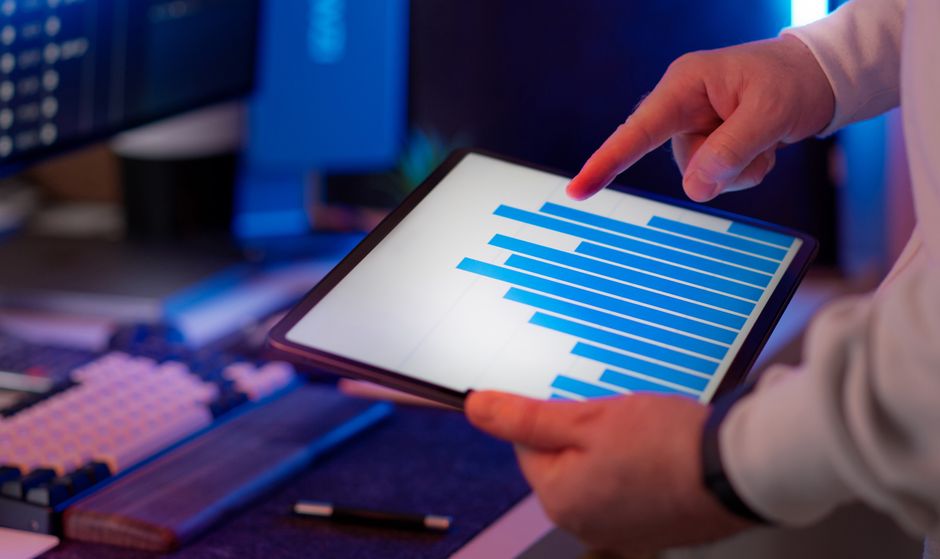
It's also worth using the data your QR menu generates automatically. Analytics and reports show which dishes sell best at different times of day, how many orders each QR code generates (like the one on your flyer versus the one on the table), and how your average check shifts over time. This data lets you fine-tune your menu based on facts, not guesses — if a dish ranks high in views but low in orders, the problem is likely price or description, not the dish itself.
Team organization
Rolling out a QR menu changes how your staff works. Servers stop being order intermediaries and become people responsible for table service quality. The team and staff permissions system lets you set who can access orders from a specific section, who can cancel items, and who manages discounts — especially important in restaurants that hire seasonal students.
Reviews as a natural side effect of a good QR menu
A customer who smoothly ordered, paid quickly, and got exactly what they saw in the photo is happy to leave a positive review. The Google reviews after ordering feature automatically sends a review request after the transaction is complete, when the experience is still fresh — without asking the customer in person, which is often awkward for both staff and guests.
Where to start
The simplest way to see if a QR menu will work for your restaurant is to test it without commitment. Browse all SkanujMenu® features, compare options in the , and pick what fits your restaurant size — you'll need something different for a small café with twelve tables versus a delivery restaurant handling hundreds of orders a week.
Wypróbuj SkanujMenu® w swojej restauracji
Bezpłatny miesiąc, bez karty i bez zobowiązań.