SkanujMenu®
PricingBlogContact
Sign inWatch demoTry for free
🇬🇧
🇵🇱Polski🇬🇧English🇩🇪Deutsch🇺🇦Українська🇪🇸Español
🇬🇧
🇵🇱Polski🇬🇧English🇩🇪Deutsch🇺🇦Українська🇪🇸Español
SkanujMenu®

Order online on your own terms — your restaurant sells through your website, with no commission and no middlemen in between.

Product

  • Features
  • Pricing
  • Blog
  • Guides
  • Contact

For whom

  • Restaurants
  • Pizzerias
  • Cafés
  • Bars
  • Bistros
  • Food trucks
  • Hotels

Solutions

  • Online menu
  • QR Menu
  • Online orders
  • Online reservations
  • Website
  • Commission-free menu

Account

  • Create account
  • Sign in

© 2026 SkanujMenu® — 100% 🇵🇱 Polish company. All rights reserved.

Privacy Policy·Terms of service

Some visual materials, videos and content shared as part of the website's communication may have been created in whole or in part using artificial intelligence (AI). They are intended solely as illustrative and marketing materials, and the images, recordings and descriptions contained therein do not represent real people, places, organizations or events – unless stated otherwise. If any of the presented content resembles real people, locations, products or entities, this is purely coincidental and not the result of intentional action.

Kitchen view
Strona głównaFunkcjeKitchen view

Kitchen view

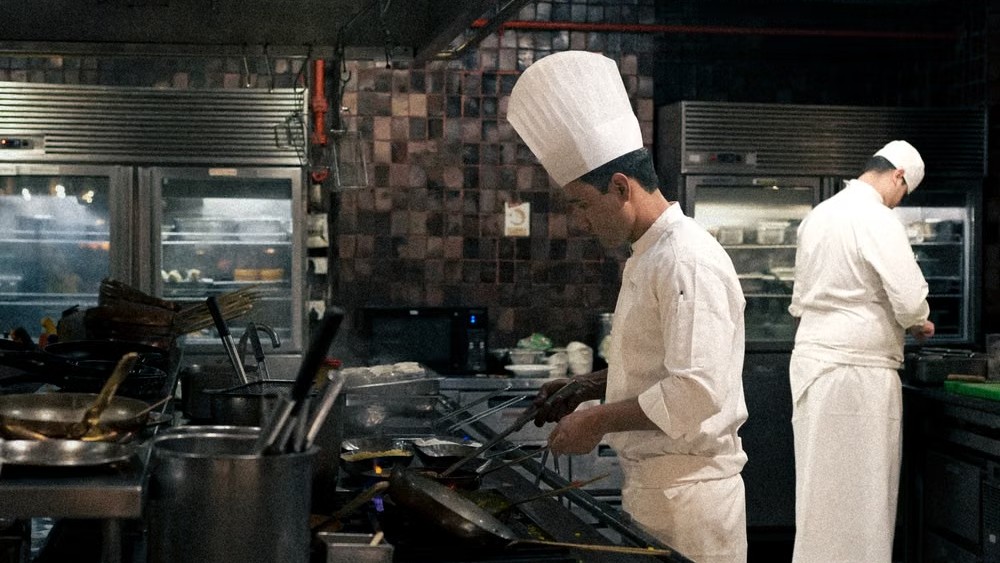
Kitchen View is a separate, streamlined interface for kitchen staff — once logged in to a chef profile, only orders are displayed, with no access to the rest of the restaurant panel. Each order appears as a large, easy-to-read card showing dishes, variants, add-ons, and customer notes, ready for touch control on a tablet. New orders reach the kitchen automatically once paid (or on cash payment at pickup), with an audio alert and a customer wait-time counter. A chef marks dishes and entire orders as ready with a single click, and the status is instantly visible in the restaurant panel. The restaurant configures the order sequence, card layout, and behavior after marking as ready according to its own needs.

  • Large, clear order cards with dishes, variants, and add-ons — everything visible at a glance, no scrolling or hunting for details.
  • Fully touch-enabled interface with drag & drop and a responsive card layout that adapts to screen width — designed for kitchen work, not a desk.
  • New orders arrive in the kitchen automatically once paid, with a notification sound and a customer wait-time counter.
  • The restaurant decides on order sequence, behavior of ready items, and whether to enable the entire module — tailored to its own workflow.

Wypróbuj to w swojej restauracji

Bezpłatny miesiąc, bez karty i bez zobowiązań.

Wypróbuj za darmo

See also

Website for restaurants

Website for restaurants

New orders land in your panel instantly, with a notification sound and live status updates.

QR Menu

QR Menu

QR code on the table – your customers access your menu whenever it suits them.

Online and on-pickup payments

Online and on-pickup payments

BLIK, card, and bank transfer via Tpay, Przelewy24, or PayU – or pay on pickup.